- What is the Pacelab Plugin for ChatGPT?
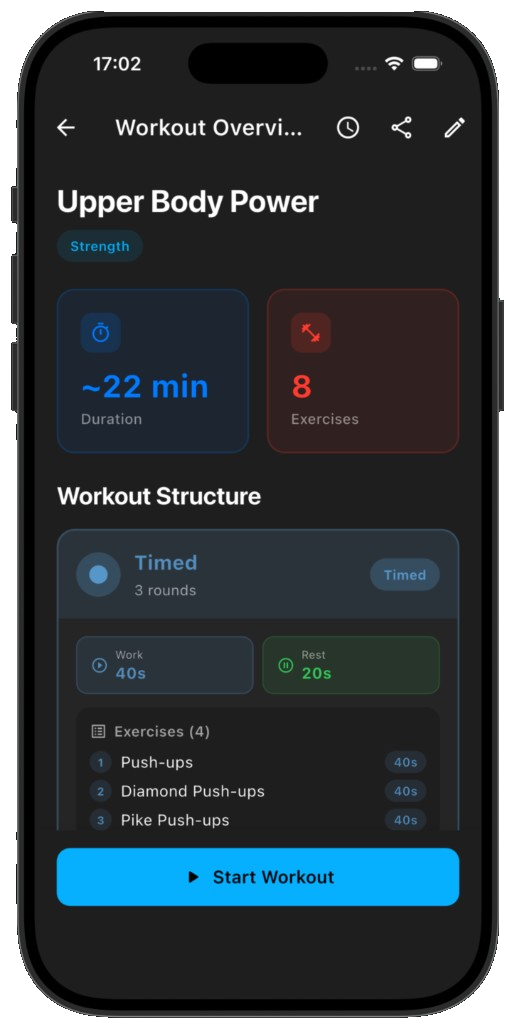
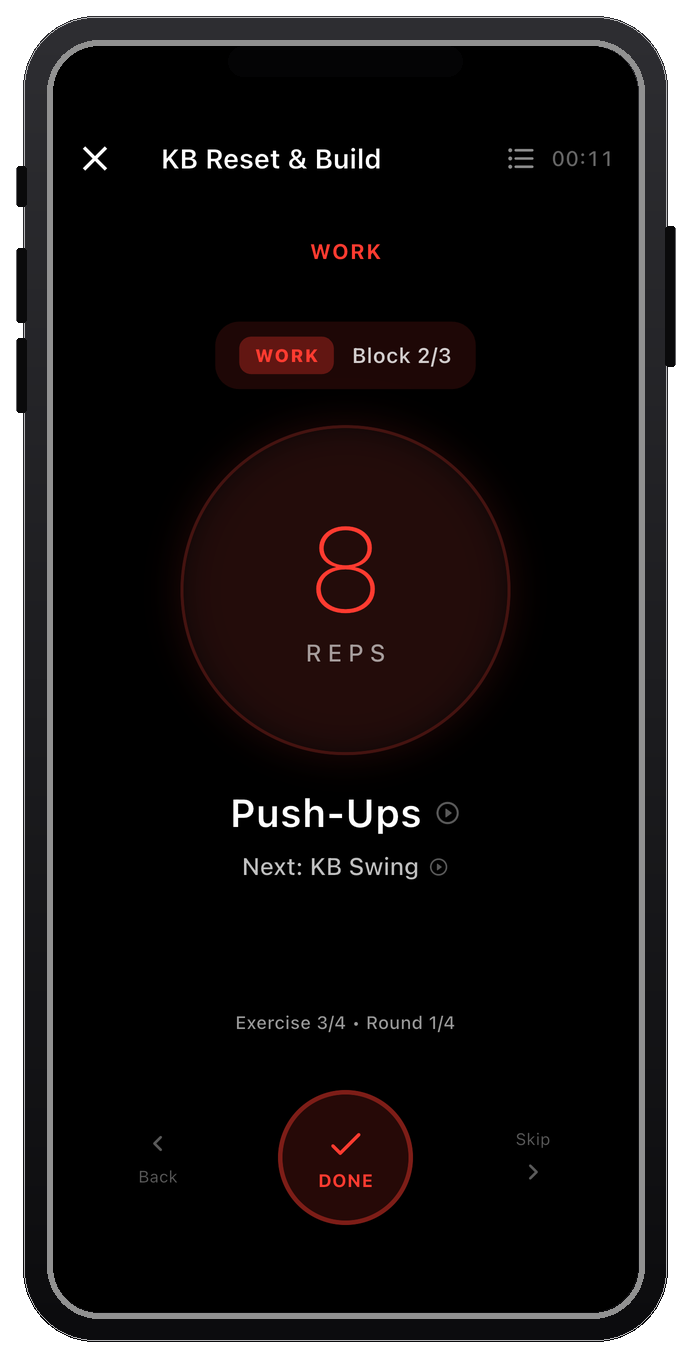
- A full account connection inside ChatGPT. After signing in to Pacelab, ChatGPT can read your existing workouts, create new ones directly in your library, edit them, and see your training history.
- How do I connect the Pacelab Plugin to ChatGPT?
- Open the Pacelab Plugin from ChatGPT, sign in to your Pacelab account when prompted, and start describing workouts — ChatGPT builds, edits and saves them straight to your library.
- Can I use ChatGPT without a Pacelab account?
- Yes — the free Interval Builder GPT needs no account. It returns a share link you open in the app, but it can't read or change your existing library the way the Plugin can.
- Is the Pacelab Plugin free?
- Yes — the Pacelab Plugin and your Pacelab account are both free, no subscription. ChatGPT Plus is only required for the Custom GPT alternative, not the Plugin.
- Does Pacelab store my ChatGPT conversation?
- No — only the workout data the Plugin sends to our API. See the Privacy Policy and Terms.